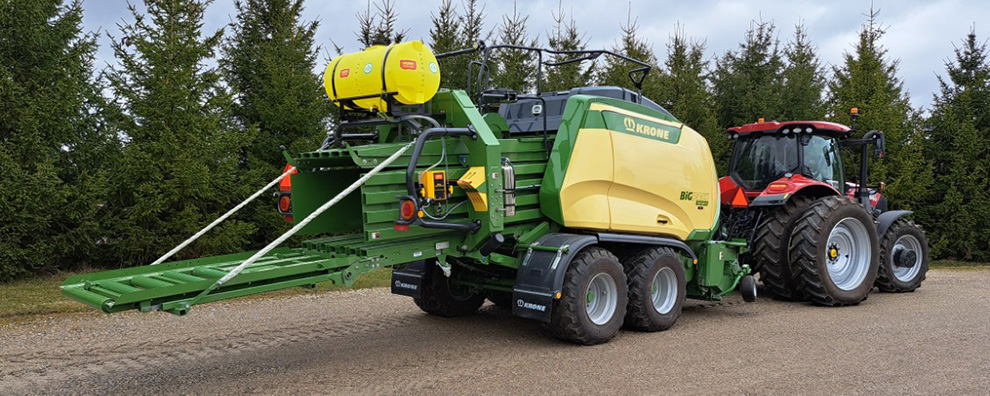
Additive Applicators for all foraging equipment
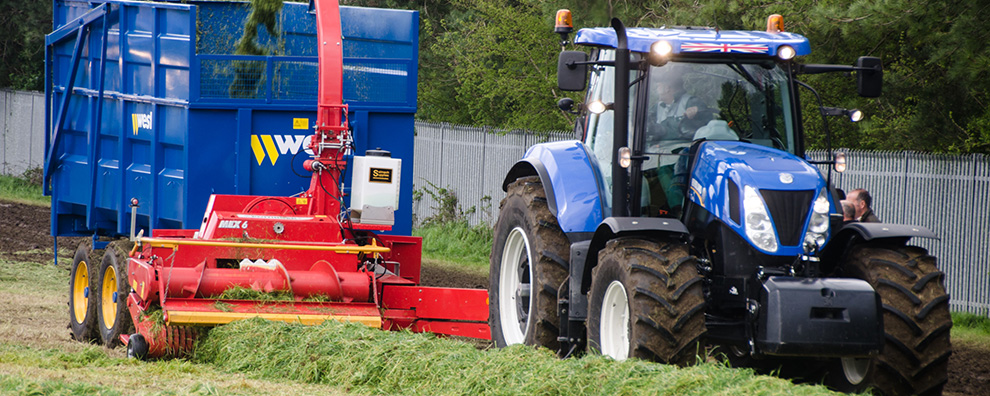
Additive Applicators for all foraging equipment
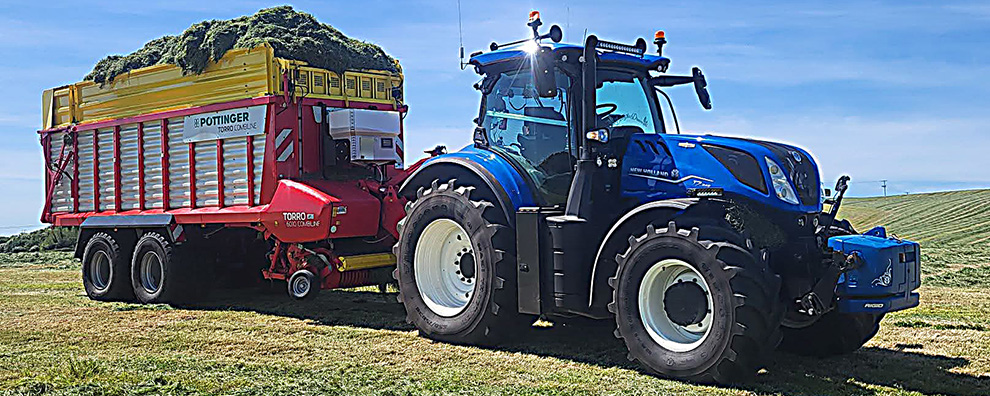
Additive Applicators for all foraging equipment
Additive Applicators for all foraging equipment
Additive Applicators for all foraging equipment
Additive Applicators for all foraging equipment
On this page you will find some guidance on how to solve problems with your applicator should they arise.
We stock an extensive range of spare parts so if you are looking to replace a broken or lost part then give us a call 01722 413440 and we will get that to you as soon as possible.
If the problem is with the operation of the applicator then the following may enable you to solve/identify it yourself and if not help us with a diagnoses.
Please feel free to contact us by phone if you want to talk through any of the steps on here.
Displaying Diagnostic Mode The Dflow+ control box has a Diagnostic Mode that can be useful for fault finding in the event of a problem with the applicator. This video will show you how to enter and scroll through DiagMode.
The link below will open a PDF leaflet that will walk you through this Diagnostic mode and explain what each step means.
If you do not have a signal to attach the Dflow+ control box pause function to (Power lead green yellow wire) It can be turned off in the set up routine of the control box. This video will show you how to enter SetUp mode and turn off Pause Mode.
The link below will open a PDF leaflet that will also walk you through the control box setup routine.
This video and pdf file will give instructions on how to change the pump and flow sensor on a Dflow Module and change the control box model.